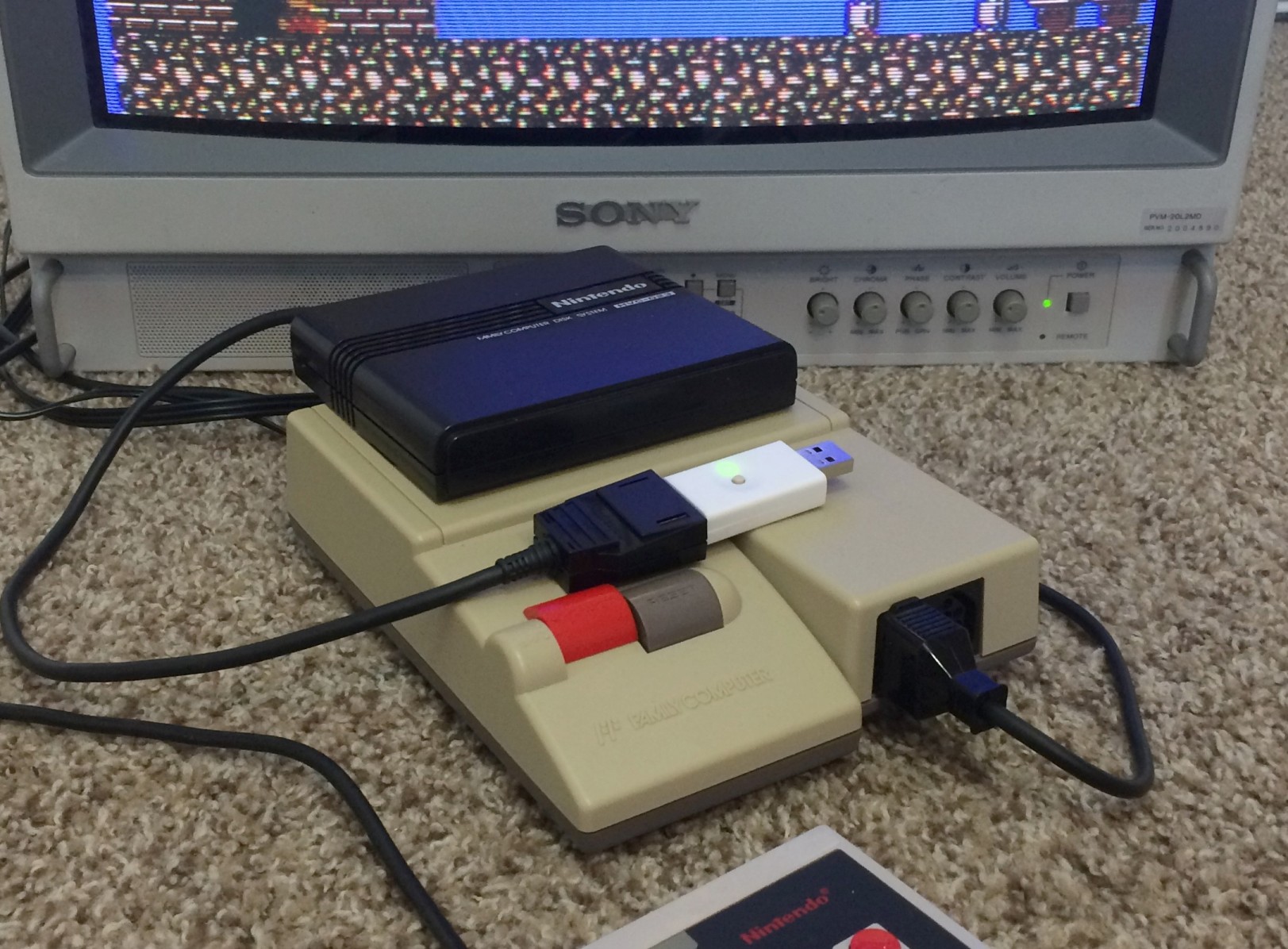
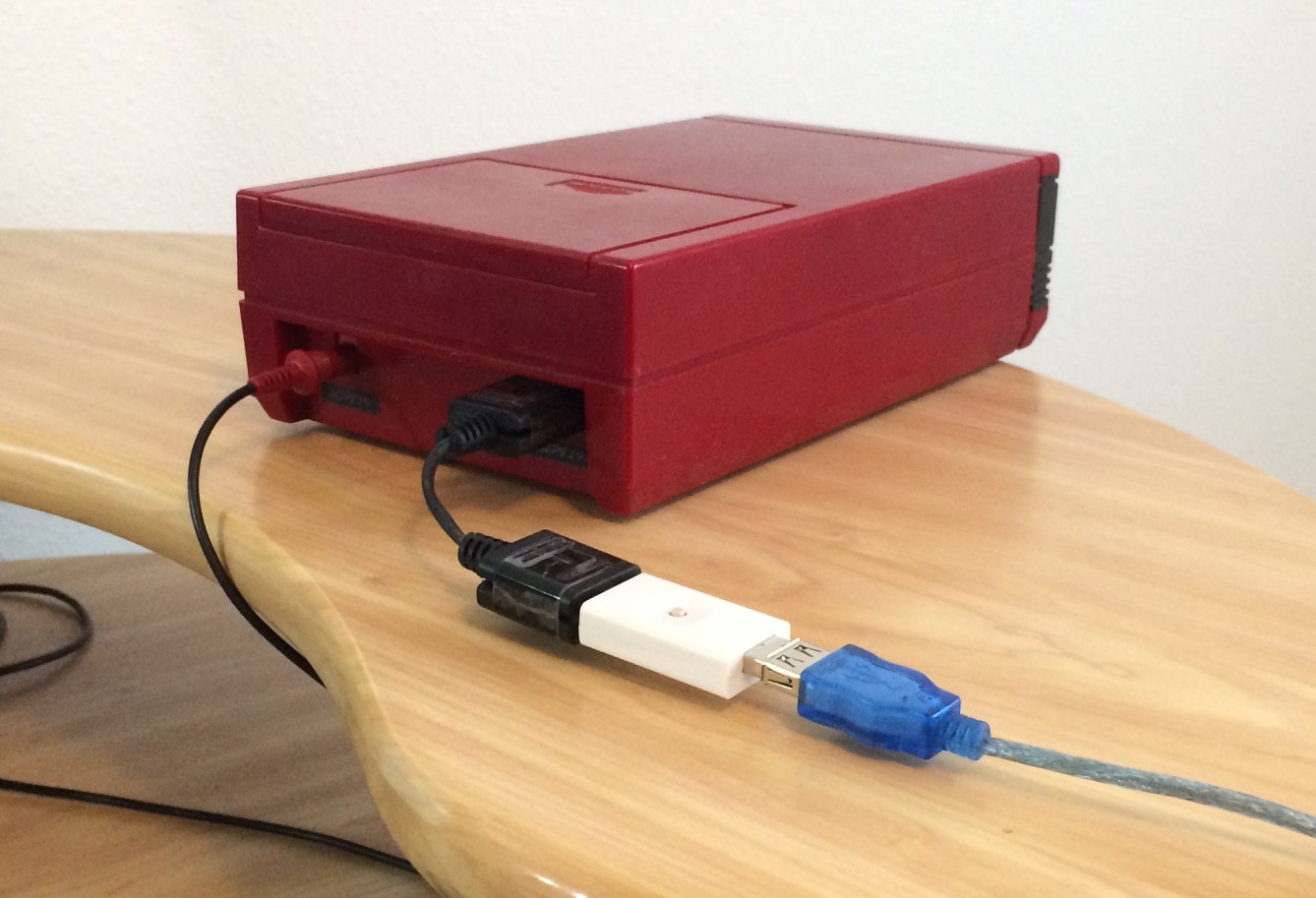
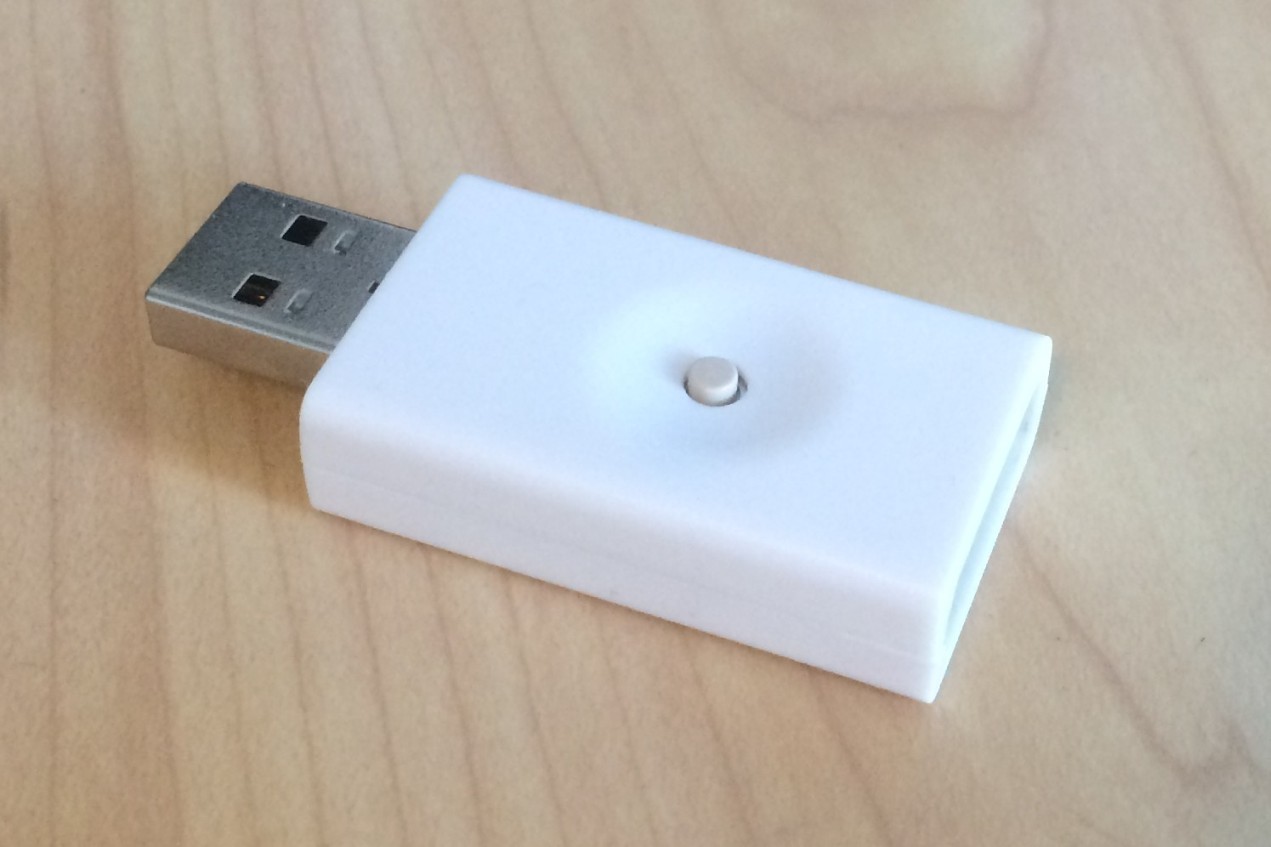
|
FDSStick | $30 USD |
Twin Famicom adapter | $5 USD (cable not included, see below) |
     ##########################
  ################################
  ###  C   A   8   6   4   2   ###
  ###                          ###
  ###  B   9   7   5   3   1   ###
  ################################
  ################################

      End of RAM adapter cable

  Join pins 1, 2, 3, 4, 5, 9, B, C from one connector to the other.
  Leave the other pins unconnected.


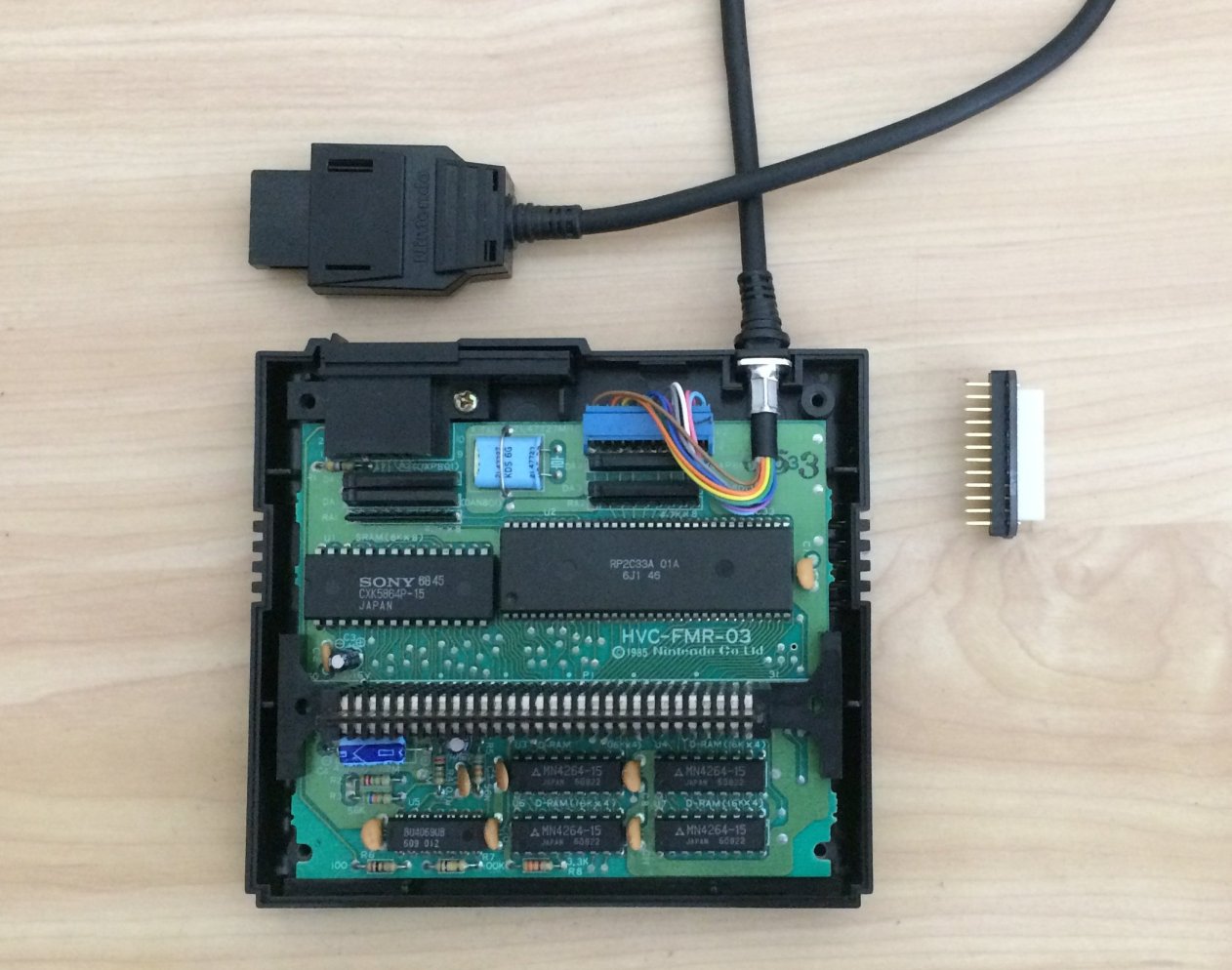
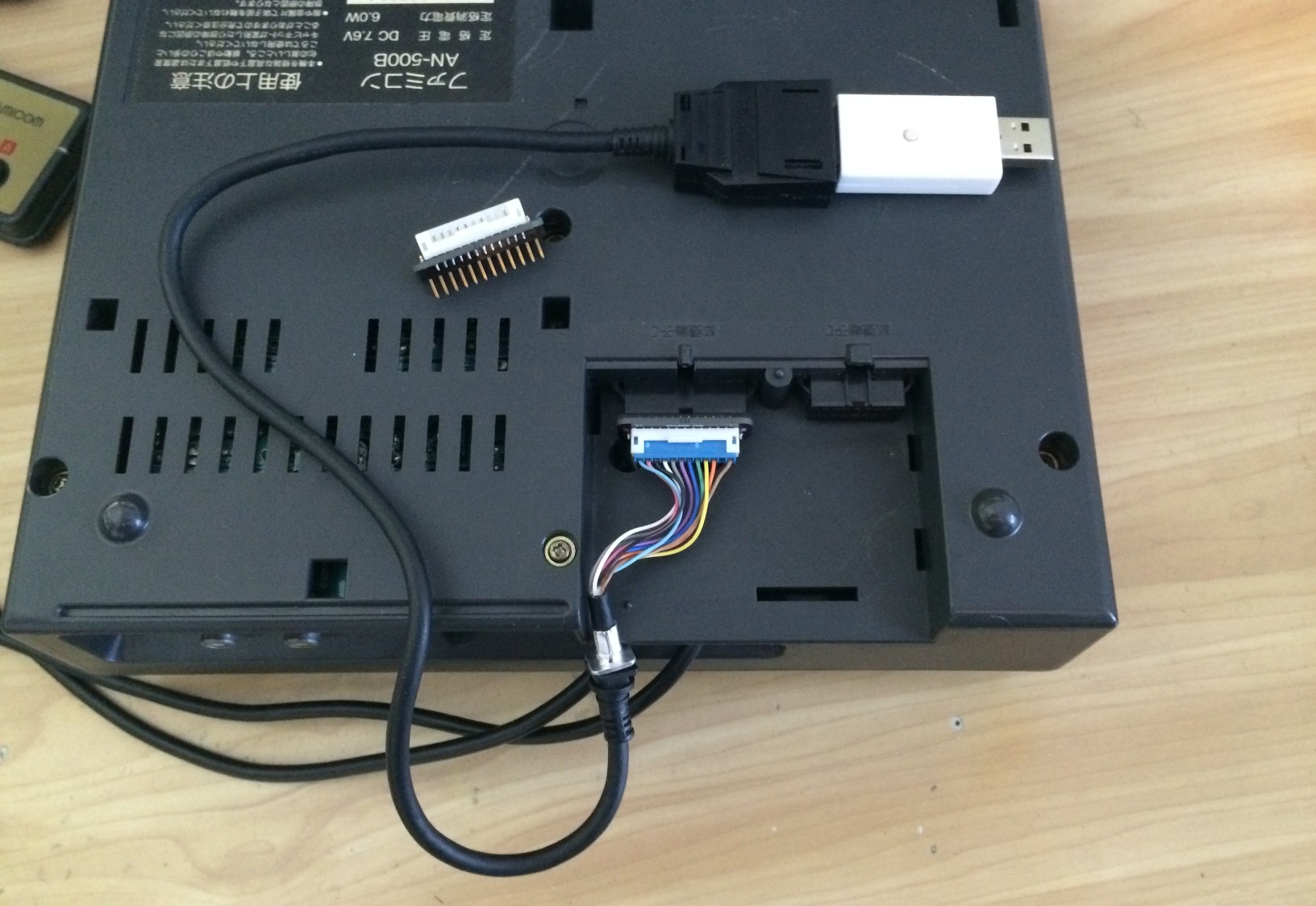
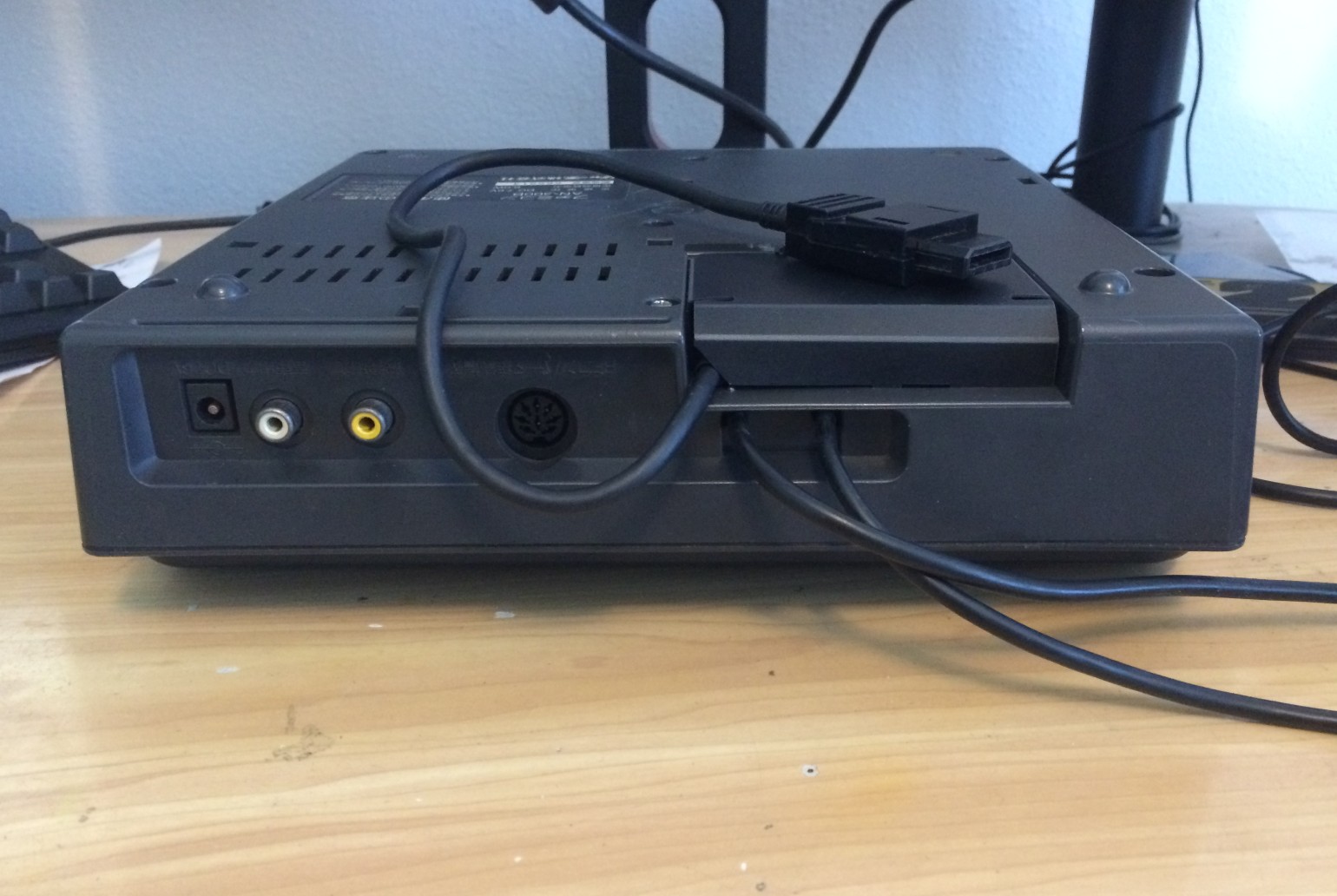
               Twin Famicom Port C                  End of RAM adapter cable
          (looking at rear of console)             ##########################
  ## ## ## ## ## ## ## ## ## ## ## ## ## ###    ################################
  ##########################################    ###  C   A   8   6   4   2   ###
  ##                                      ##    ###                          ###
  ## 12 11 10  9  8  7  6  5  4  3  2  1  ##    ###  B   9   7   5   3   1   ###
  ##########################################    ################################
  ##########################################    ################################


  Twin Famicom     RAM Adapter

    1    -----------    A
    2    -----------    C
    3    -----------    B
    4    -----------    9
    5    -----------    7
    6    -----------    5
    7    -----------    3
    8    -----------    1
    9    -----------    4
    10   -----------    2
    11   -----------    6
    12   (no connect)   8